
Product
Best Tech Stack Tools for $15M-$100M Revenue Companies

tech-stack-tools-revenue-companies
tech-stack-tools-revenue-companies
tech-stack-tools-revenue-companies
For companies earning between $15M and $100M annually, choosing the right tech stack is critical. These businesses need tools that balance scalability and efficiency without overwhelming their budgets or teams. The right mix of CRM platforms, automation tools, analytics solutions, and AI systems can streamline operations, improve productivity, and support growth. Here's a quick summary of the top tools:
HubSpot CRM: User-friendly CRM with marketing automation and scalability options.
Salesforce: Customizable CRM with advanced AI and integration capabilities.
Zapier: No-code automation for connecting apps and streamlining workflows.
Make: Visual workflow builder for complex, multi-step automations.
Tableau: Data visualization and analytics for actionable insights.
Microsoft Power BI: Budget-friendly BI tool with deep Microsoft integration.
OpenAI API: AI integration for automation, customer support, and data analysis.
UiPath: Robotic Process Automation (RPA) for automating repetitive tasks.
Key Takeaways:
Mid-sized businesses spend 3-6% of revenue on tech, equating to $450K–$6M annually.
Automation saves up to 10 hours per employee weekly, boosting efficiency.
Cybersecurity is crucial, as 43% of cyberattacks target small businesses.
A well-planned tech stack not only enhances current operations but sets the stage for long-term growth. Avoid costly mistakes by selecting tools that integrate well and align with your business goals.
How to Build the Ideal Go-To-Market Tech Stack, and Optimize the One You Have
1. HubSpot CRM
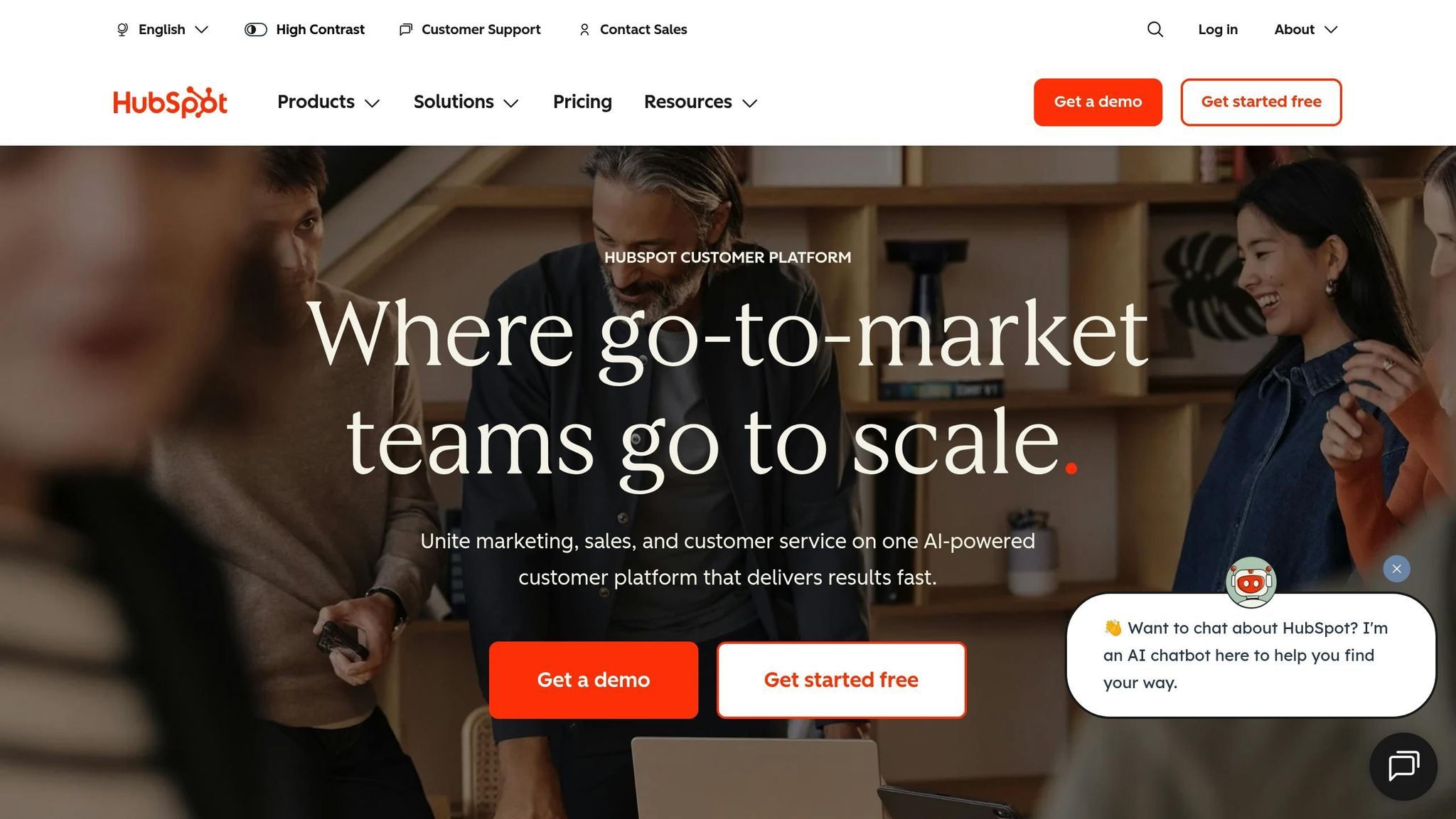
For mid-sized companies striving to grow while maintaining operational efficiency, HubSpot CRM offers a solution that combines scalability with automation. It’s designed to evolve alongside your business, making it a versatile choice for companies in this growth phase.
Scalability for Mid-Sized Businesses
HubSpot CRM allows businesses to start with essential features and gradually adopt more advanced tools like marketing automation, lead scoring, and predictive analytics as needed. This adaptability ensures the platform evolves alongside your company’s growth.
"HubSpot is known for its user-friendly interface, strong marketing automation features, and excellent customer support, making it ideal for small to medium-sized businesses." - Gaurav Aggarwal, Key Advisor, HubSpot Partner
The platform’s straightforward upgrade options make it easy to transition from basic plans to more advanced tiers. This scalability also supports seamless automation, ensuring lead management stays efficient as your business grows.
Support for Automation and Lead Management
In addition to its flexible design, HubSpot CRM excels in automating lead management processes. Its marketing automation and lead management tools are particularly valuable for businesses looking to optimize their sales pipelines. Features like lead scoring help prioritize high-value prospects, allowing your sales team to focus their efforts where it matters most. However, keep in mind that adding advanced features can increase overall costs.
"If you want speed to value and a clean UI, HubSpot is hard to beat. Marketing, sales, and support live in one place. Onboarding is fast. Watch costs as you add advanced automation and custom reports." - Ruben Burdin, HubSpot Advisor, Founder @ Stacksync
2. Salesforce
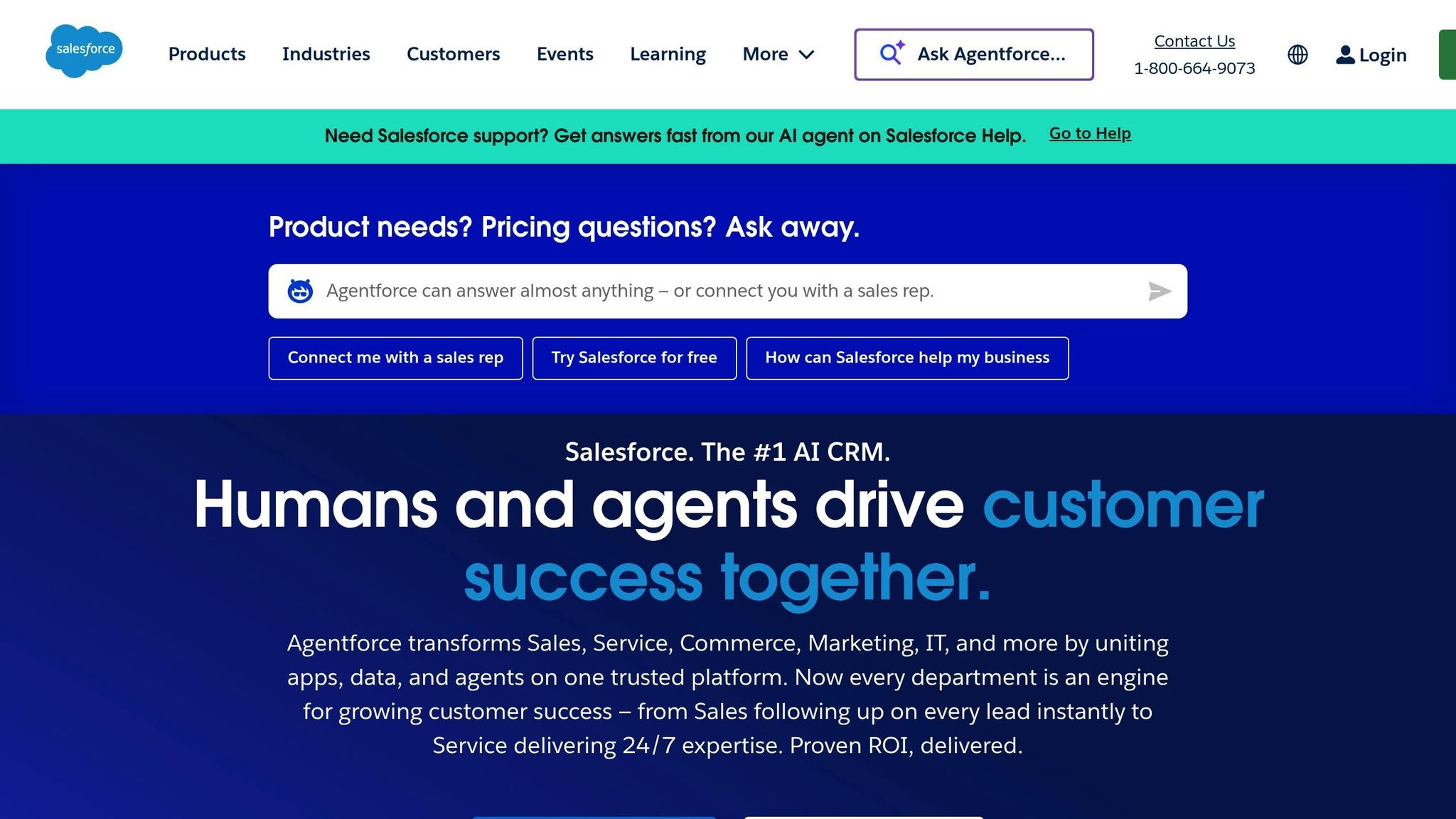
Salesforce is a powerful CRM solution designed to meet the needs of mid-sized businesses. It starts with essential CRM functionalities, but you can expand its capabilities as your business grows.
Designed for Growth
With the Salesforce Lightning Platform, businesses can create custom workflows, develop tailored applications, and automate processes - all without diving into complex coding. This makes it an excellent fit for companies earning between $15 million and $100 million annually, as it allows for gradual scaling without requiring a hefty upfront investment.
Seamless Integration with Existing Tools
Salesforce makes connecting your existing systems a breeze. Its AppExchange marketplace offers a wide range of third-party integrations, while its robust API framework (supporting both REST and SOAP protocols) simplifies linking tools for accounting, marketing, and inventory management. If you need even deeper data unification, MuleSoft is there to help bridge the gap across platforms.
Automation and AI at Your Fingertips
Salesforce takes automation to the next level with Einstein AI, which handles routine tasks and delivers actionable insights. Tools like Process Builder, Flow, and workflow rules let businesses set up automated processes - such as follow-ups, task assignments, or approval chains - without requiring coding expertise. These features save time and help teams focus on more strategic work.
Built-In Compliance and Security
When it comes to data governance and security, Salesforce has you covered. It complies with key U.S. regulatory standards and industry certifications, helping businesses meet their data protection obligations. Features like audit trails and data governance tools come standard, and the Salesforce Shield add-on provides extra layers of security. These capabilities ensure your data remains secure and compliant as your business evolves, creating a reliable foundation for growth.
3. Zapier
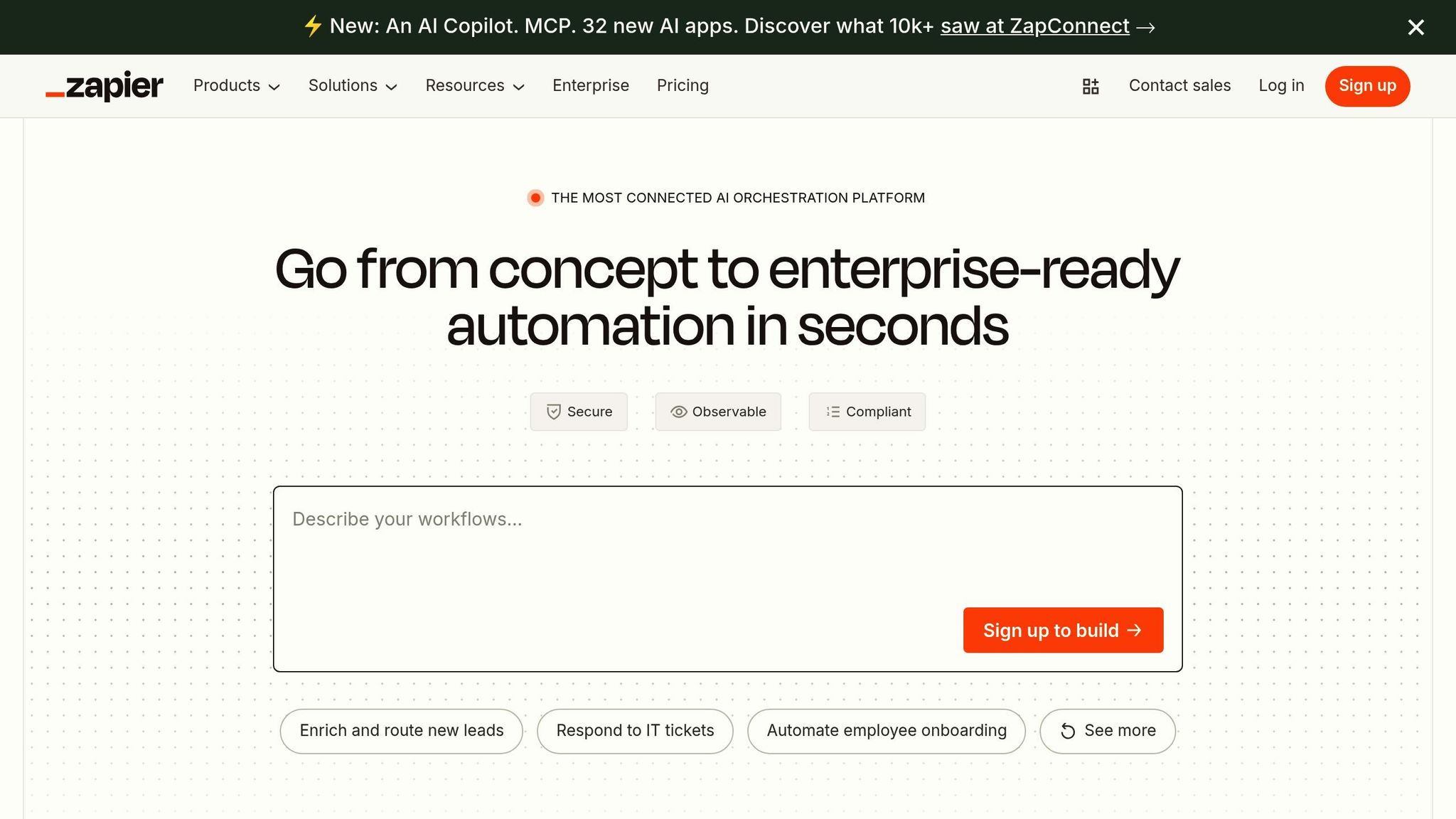
Mid-sized companies often face the challenge of balancing scalability with efficiency, and Zapier steps in as a game-changer. This no-code automation platform enables businesses to create workflows that connect actions across various applications. It's especially useful for companies in the $15M-$100M revenue range, where manual processes can start to slow things down. By building on CRM and workflow automation, Zapier simplifies even the most complex processes.
Scalability for Mid-Sized Businesses
Zapier’s pricing makes it an attractive option for growing companies. Plans start at $19.99 per month for 750 tasks and go all the way up to enterprise-level options that handle millions of tasks. With support for over 5,000 applications, businesses can begin with simple automations and expand to more intricate workflows as their needs evolve.
One standout feature for mid-sized operations is multi-step Zaps. Unlike basic one-to-one automations, these allow businesses to design workflows involving multiple apps and decision points. For instance, when a new high-value lead comes in, Zapier can send a Slack notification, start an email nurture campaign, and create a task in a project management tool - all automatically.
Integration Capabilities with Existing Systems
Zapier shines when it comes to connecting apps that don’t naturally work together. Its data formatting tools ensure information is standardized as it moves between systems. For example, when customer data flows from an e-commerce platform to accounting software, Zapier can format dates, currency values, and contact details to match each system’s requirements. This eliminates inconsistencies and keeps operations running smoothly.
The platform’s path workflows bring conditional logic to automations. A customer service ticket, for example, can be routed to different teams based on its priority, product type, or customer tier. These advanced features help businesses streamline operations and improve team efficiency, setting the stage for even smarter automation.
Support for Automation and AI-Driven Features
Zapier also incorporates AI-powered tools to make automation even smarter. It can analyze your connected apps and suggest repetitive tasks that could be automated, helping businesses uncover new ways to save time.
For more complex needs, the Code by Zapier feature lets users incorporate custom JavaScript or Python scripts into workflows. This allows for advanced data processing, such as performing calculations or manipulating data directly within the platform. Additionally, filter and search actions enable workflows to make decisions based on specific criteria. For instance, orders above a certain dollar amount can trigger specialized fulfillment processes, or support tickets with certain keywords can be escalated automatically.
Compliance with US Standards and Regulations
Zapier ensures its platform meets the security and compliance needs of growing businesses. It adheres to SOC 2 Type II standards and uses enterprise-grade security practices, including encrypting data both in transit and at rest. This makes it a reliable choice for automating sensitive business processes.
The platform also provides data retention controls, allowing businesses to manage how long task logs are stored - an important feature for compliance in regulated industries. Detailed audit logs track every automation, including when it ran, the data processed, and any errors, creating a clear record for auditors and compliance teams.
For businesses handling sensitive customer data, Zapier’s data processing agreements help ensure compliance with regulations like GDPR and CCPA. These agreements outline how customer information is handled during automated transfers, giving businesses peace of mind when managing data across multiple systems.
4. Make (formerly Integromat)
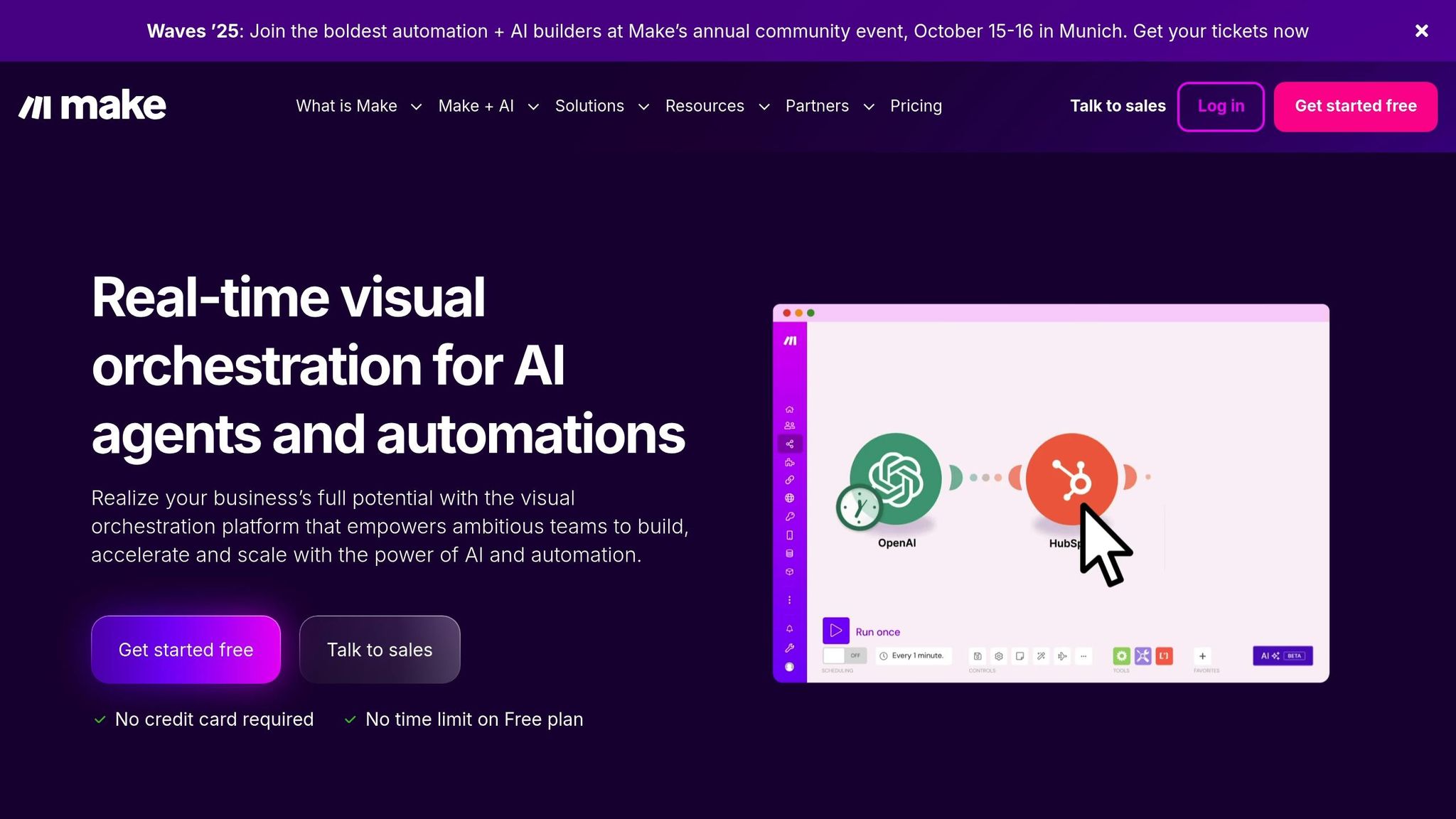
Make, previously known as Integromat, is a platform designed to help mid-sized businesses create intricate, multi-step automations through a user-friendly visual builder. It simplifies the process of setting up workflows, eliminating the need for advanced technical skills.
Tailored for Mid-Sized Business Growth
Make offers flexible pricing plans designed to grow with your business. It allows you to build workflows that connect multiple applications, ensuring your operations run smoothly. With features like data stores for tracking information between workflow runs and scheduling tools to align workflows with your business needs, it’s built to handle complex requirements. This adaptability ensures seamless integration with various systems.
Extensive Integration Options
The platform connects with a wide array of applications, thanks to its HTTP connectivity and integration modules. Its data transformation tools can handle tasks like text standardization, calculations, and date management. Additionally, advanced routing capabilities allow a single trigger to initiate multiple, parallel actions, making it a powerful tool for streamlining operations.
Automation and AI Features
Make incorporates AI-driven tools to enhance efficiency. For example, it can automate tasks such as ticket categorization. It also uses iterator and aggregator modules for processing large datasets and webhooks for real-time triggers, ensuring your workflows stay responsive and efficient.
Built-In Compliance and Security
Security and compliance are at the core of Make’s design. The platform uses encrypted data transmission and detailed audit logging to meet industry standards. It also provides flexible data residency options and granular access controls, helping businesses adhere to various compliance requirements. Features that prioritize data privacy ensure personal information is managed responsibly within workflows.
5. Tableau

Tableau stands out as a powerful tool for turning raw data into meaningful insights through its interactive dashboards and reports. For businesses with revenues between $15 million and $100 million, Tableau offers the analytical capabilities needed to make informed, data-backed decisions while remaining user-friendly for non-technical team members across departments.
Scalability for Growing Businesses
Tableau is designed to grow alongside your business. Whether you're working with a small departmental dataset or managing enterprise-level data warehouses with millions of records, Tableau can handle it. With Tableau Server, mid-sized companies can centralize their analytics while managing costs through flexible licensing that adapts to different user types and usage levels.
Its in-memory engine processes complex calculations quickly, even as datasets expand. Businesses can begin with Tableau Desktop for individual analysts and later transition to Tableau Online or Tableau Server as their teams and data needs grow. This scalability ensures that companies can expand their analytics capabilities without overcommitting to enterprise-level solutions prematurely.
Seamless Integration with Existing Systems
Tableau connects effortlessly to more than 75 data sources, including Salesforce, Microsoft SQL Server, Oracle, Amazon Web Services, and Google Cloud. Its live connections ensure dashboards stay up-to-date with real-time data changes, while data extracts optimize performance for larger datasets.
For data preparation, Tableau Prep simplifies cleaning and organizing data, often eliminating the need for separate ETL tools. The platform's REST API and webhook capabilities enable automated data updates and custom integrations with proprietary systems. This means businesses can enhance their analytics without overhauling their current tech stack, making Tableau a natural fit for improving operational workflows.
Automation and AI Features
Tableau incorporates smart features that reduce the time spent on manual analysis. With Ask Data, users can type questions in natural language and instantly generate visualizations, while Explain Data highlights the key factors driving specific trends.
The platform also includes forecasting tools that use exponential smoothing to predict future trends directly within dashboards. For advanced users, Tableau supports R and Python integration, allowing data scientists to embed custom machine learning models into their visualizations. Additionally, automated data alerts notify stakeholders when critical metrics hit predefined thresholds, ensuring quick action when it matters most.
Meeting Compliance and Regulatory Standards
Tableau is built with compliance in mind, holding SOC 2 Type II certification and adhering to key regulatory requirements like HIPAA, GDPR, and FedRAMP. Its row-level security ensures users only see data relevant to their roles, a critical feature for businesses handling sensitive information.
The platform also supports compliance reporting with audit logging, which tracks user activities, data access, and system changes. Tableau's data governance tools - such as content certification, usage tracking, and lineage mapping - help maintain high data quality standards. For businesses in regulated industries, Tableau offers private cloud deployment options, ensuring sensitive data stays secure while maintaining full functionality. These features make Tableau a reliable and secure choice for companies looking to scale responsibly.
6. Microsoft Power BI
Microsoft Power BI offers a robust business intelligence (BI) solution tailored for mid-sized companies. With its user-friendly interface and deep integration into the Microsoft ecosystem, it helps businesses in the $15M–$100M revenue range turn complex data into actionable insights - all without requiring heavy IT resources.
Designed for Growing Businesses
Power BI’s pricing starts at just $10 per user per month for the Pro plan and $20 for the Premium plan. As your business expands, it can handle increasing data demands, supporting up to 100GB of data. Thanks to its VertiPaq engine, it processes millions of rows efficiently. Plus, the incremental refresh feature ensures only new or updated data is processed, keeping dashboards responsive even as datasets grow.
For organizations needing on-premises solutions, the Power BI Report Server offers the flexibility to store sensitive data locally while still benefiting from advanced analytics. These features make Power BI a scalable choice that integrates seamlessly with enterprise systems.
Seamless Integration with Existing Tools
Power BI connects effortlessly to over 100 data sources, including popular tools like Excel, SharePoint, Dynamics 365, and Azure. Using Power Query, businesses can easily prepare their data, while the REST API and Power Automate enable custom integrations.
For Salesforce users, Power BI’s dedicated connector simplifies importing sales data, customer interactions, and pipeline metrics. It also integrates with platforms like Google Analytics, SAP, and Oracle databases through certified connectors, ensuring data security and consistency.
These integrations make it easy to automate tasks such as report generation, data alerts, and dashboard updates - cutting down on repetitive administrative work.
AI Features and Automation for Smarter Insights
Power BI takes automation to the next level by incorporating AI tools to turn raw data into meaningful insights. Features like Quick Insights, natural language Q&A, Smart Narratives, anomaly detection, and forecasting enable fast, informed decision-making.
For instance, you can type a query like "show me revenue by region last quarter", and Power BI will generate relevant charts and graphs instantly. Smart Narratives provide clear, written summaries of key findings, while forecasting tools use statistical models like exponential smoothing to predict trends, helping businesses plan inventory, staffing, and budgets with confidence.
Meeting US Compliance Standards
Power BI adheres to strict compliance standards, including SOC 1, SOC 2 Type II, and HIPAA. It offers features like row-level security, audit logs, data loss prevention, data residency options, and encryption to protect sensitive information, ensuring your data remains secure and compliant.
7. OpenAI API
The OpenAI API offers a cost-effective way for companies generating $15M–$100M in revenue to integrate advanced AI into their operations. It helps businesses streamline processes, improve customer interactions, and gain a competitive advantage through intelligent automation. This tool serves as a stepping stone for developing scalable, AI-driven solutions.
Scalability for Mid-Sized Businesses
The OpenAI API is built to adapt as your business grows, working seamlessly alongside your CRM and analytics platforms. It can handle everything from basic chatbot functionality to enterprise-level automation without requiring significant infrastructure changes. Its pricing model allows businesses to start small and expand usage as they see results. For example, GPT-4 Turbo is ideal for high-volume customer service tasks, while GPT-4o Mini is designed for scenarios that require low-latency processing. With over 300 applications already showcasing its scalability, companies can begin with simple chatbot implementations and later explore advanced features like automated content creation, data analysis, and personalized recommendations.
Integration Capabilities with Existing Systems
The API integrates effortlessly with existing tools using standard REST API calls. It can be embedded into CRMs, customer support systems, and other internal platforms. OpenAI's Retrieval-Augmented Generation (RAG) technology enables businesses to combine the API's AI capabilities with their proprietary data, creating solutions that are both cost-efficient and accurate. Additionally, the API supports multimodal functions through models like GPT-4o, capable of processing text, voice, and visual inputs in a single operation. This level of integration allows businesses to extend automation across their entire tech stack.
Automation and AI-Driven Features
The OpenAI API automates repetitive tasks such as responding to customer queries, generating content, and conducting data analysis, freeing up employees to focus on strategic projects. AI agents built with this platform can handle complex workflows - for example, a customer service bot can address initial inquiries, retrieve account details, deliver personalized responses, and escalate issues when necessary. Features like real-time recommendations, multilingual support, and automated insights are becoming increasingly popular. In fact, 78% of companies now use generative AI in at least one area of their business, up from 55% in 2023.
Compliance with US Standards and Regulations
For businesses managing sensitive data, the OpenAI API offers solutions that align with regulatory requirements. Regular updates enhance security and compliance without the need for expensive system overhauls. With 92% of companies planning to increase their AI investments in the next three years, adopting tools like this early on allows mid-sized businesses to stay ahead of the curve and take advantage of future developments. Its compliance measures align with the robust security standards seen across other recommended tools.
8. UiPath
UiPath delivers smart automation solutions designed specifically for mid-sized businesses. Its robust RPA (Robotic Process Automation) platform is tailored to help companies with revenues between $15M and $100M streamline tasks like data entry, invoice processing, customer onboarding, and compliance reporting. With a visual workflow designer, UiPath empowers non-technical users to create automation workflows while still offering advanced features for more complex needs.
Built for Growth and Flexibility
UiPath is an ideal choice for businesses on a growth trajectory. It allows companies to start small - automating individual tasks like HR onboarding or accounts payable - and then scale up to enterprise-wide process automation as their needs evolve. What’s great is that this growth doesn’t require a complete system overhaul.
Businesses can experiment with the free UiPath Community Edition to test automation's potential. Once they see results, they can transition to Studio Pro or Orchestrator to tackle larger, more complex workflows. This step-by-step approach ensures companies can measure ROI before committing to a broader investment.
Seamless Integration with Existing Tools
UiPath is designed to integrate effortlessly with virtually any software. It supports API connections, screen scraping, and direct database access, making it compatible with popular tools like Salesforce, SAP, Oracle, Microsoft Office Suite, and various web-based platforms.
With UiPath App Studio, businesses can even create custom applications to bridge gaps between existing systems. For instance, a manufacturing firm might build a dashboard that pulls data from its ERP, CRM, and inventory systems, giving decision-makers a real-time view of operations. These integrations are typically quick to implement, making them perfect for mid-sized companies with limited IT resources.
AI-Driven Automation Features
UiPath takes automation to the next level with its AI Center and Document Understanding capabilities. These tools use machine learning to process unstructured documents like contracts, invoices, and purchase orders with impressive accuracy - once properly trained.
The platform also includes Process Mining, which analyzes workflows to identify bottlenecks and highlight areas ripe for automation. Task Mining goes even deeper, tracking employee interactions to map out detailed processes. These insights allow businesses to prioritize automation efforts and maximize efficiency, making UiPath a powerful addition to any tech stack.
Security and Compliance for US Businesses
For companies handling sensitive data, UiPath offers robust security and compliance measures. It meets key standards like SOC 2 Type II certification and supports GDPR and HIPAA requirements, making it a reliable choice for industries like healthcare, financial services, and manufacturing.
The platform provides audit trails for regulatory reporting, role-based access controls to manage permissions, and approval workflows to ensure oversight. Data encryption safeguards information in transit and at rest, while credential management tools securely store and rotate passwords and API keys. These features allow mid-sized businesses to maintain high-security standards without needing a dedicated cybersecurity team.
Tool Comparison Table
Here's a quick breakdown of popular tools for mid-sized businesses, focusing on pricing, features, and how well they integrate with other systems.
Tool | Category | Pricing Overview | Key Features | Integration Capabilities |
|---|---|---|---|---|
HubSpot CRM | CRM | Free tier available; subscription plans for added features | Contact management, email marketing, sales pipeline tracking, marketing automation | Extensive native integrations with various business applications |
Salesforce | CRM | Subscription-based with multiple plan options | Customizable platform, AI insights, robust reporting, territory management | Expansive marketplace and strong API connectivity |
Zapier | Workflow Automation | Free plan available; subscription tiers for advanced usage | Automates multi-step workflows, conditional logic, team collaboration | Connects a wide range of web applications through an intuitive interface |
Make | Workflow Automation | Free tier available; affordable paid plans | Visual workflow builder, advanced data manipulation, real-time processing, error handling | Numerous integrations with detailed data mapping capabilities |
Tableau | Data Analytics | Subscription pricing | Advanced data visualization, interactive dashboards, predictive analytics, mobile optimization | Native connectors for various data sources |
Microsoft Power BI | Data Analytics | Budget-friendly subscription | Interactive reporting, natural language queries, AI insights, Excel integration | Integrates seamlessly within the Microsoft ecosystem, plus additional third-party options |
OpenAI API | AI Integration | Pay-per-use pricing | Advanced language models for text generation, translation, content analysis, chatbot creation | RESTful API compatible with multiple programming languages and no-code platforms |
UiPath | AI Integration/Automation | Free community edition; enterprise subscriptions available | Robotic process automation, AI-powered document processing, process mining, visual workflow design | Universal integration with desktop apps, web platforms, databases, and APIs |
This table highlights the key differences to help you make informed decisions. Each tool offers distinct pricing models, features, and integration capabilities, so it's essential to align your choice with your business goals.
For mid-sized businesses, a balanced tech stack is crucial. Combining robust CRM platforms, automation tools, analytics, and AI solutions ensures streamlined operations and long-term growth. Tools with strong integration options often provide the flexibility needed to enhance workflows and scale effectively.
Conclusion
Deciding on the right tech stack is a cornerstone for companies in the $15M-$100M range. The choices you make today can either pave the way for scalable growth or lead to costly setbacks down the line. For tech-enabled business service companies, this decision carries even more weight. These companies often achieve valuations in the low double-digit EBITDA range, while standard service companies typically see valuations of only 3-5x EBITDA. This stark contrast highlights how technology decisions can directly influence both growth and company value.
The importance of getting your tech stack right from the start cannot be overstated. Making fundamental changes later can be prohibitively expensive or, in some cases, nearly impossible. For instance, overhauling an outdated tech stack for an established company can easily run into tens of millions of dollars. Beyond the financial cost, poorly planned solutions can lead to technical debt, creating rigid systems that stifle scalability, hinder innovation, and make adapting to modern needs a challenge.
Choosing proven tools can help avoid these pitfalls by ensuring your systems are scalable and ready for future demands. The tools discussed in this article - like HubSpot CRM and Salesforce for customer management, Zapier and Make for automation, and Tableau and Power BI for analytics - are reliable options that can grow with your business. Incorporating AI capabilities through OpenAI API and process automation via UiPath further strengthens this foundation, enabling long-term growth.
Expert guidance can make all the difference in navigating these complexities. Integral specializes in helping mid-sized businesses optimize their tech decisions by auditing systems, refining tech stacks, automating workflows, and implementing strategic AI solutions. This cloud-based approach frees businesses from the constraints of outdated processes. With a streamlined and modernized tech stack, companies can accelerate growth and boost their overall value.
Investing time and resources into the scoping and architectural phases is essential. A well-designed, flexible tech stack not only supports current operations but also sets the stage for sustainable growth and higher valuations in the future.
FAQs
What steps can mid-sized companies take to ensure their tech stack supports future growth?
To keep your tech stack ready for growth, it's important to choose tools that can handle increasing demands without breaking a sweat. Look for solutions that emphasize automation, integration, and data scalability - these features will make your operations smoother and better equipped to handle expansion.
Don't forget to regularly review your current tools. Are they still meeting your business needs? If some are slowing you down, it's time to swap them out. Scalable tools should make upgrades simple, allow for customization, and manage heavier workloads without sacrificing performance.
Finally, opt for platforms that offer reliable customer support and frequent updates. This ensures your systems stay up to date and dependable as your business continues to grow.
What should businesses consider when integrating AI tools like the OpenAI API into their operations?
To make the most of AI tools like the OpenAI API in your business, start by setting clear goals for what you want to achieve. Think about how these tools can solve specific challenges or improve processes. Check if your existing infrastructure can handle the integration and bring in key team members from different departments to keep everyone on the same page during implementation.
Pay close attention to data quality because it plays a huge role in how well AI performs. Set up governance policies to tackle ethical issues, regulatory requirements, and potential biases. Don’t forget the importance of human oversight - it’s key to using AI responsibly and tailoring it to fit your business needs. This thoughtful approach can boost efficiency and help your business grow steadily while keeping risks in check.
Why should mid-sized businesses invest in automation tools, and how can these tools boost efficiency and growth?
Automation tools play a crucial role for mid-sized businesses by simplifying operations. They take over repetitive tasks, reduce the chances of errors, and boost overall workflow efficiency. The result? Lower operational costs and more time for teams to concentrate on strategic, high-impact activities that drive growth.
When businesses adopt automation, they not only improve employee satisfaction but also position themselves to scale operations more effectively. In today’s fast-paced market, these tools help companies stay competitive while supporting steady growth. For businesses earning between $15 million and $100 million in revenue, automation is a smart and forward-thinking investment.
